
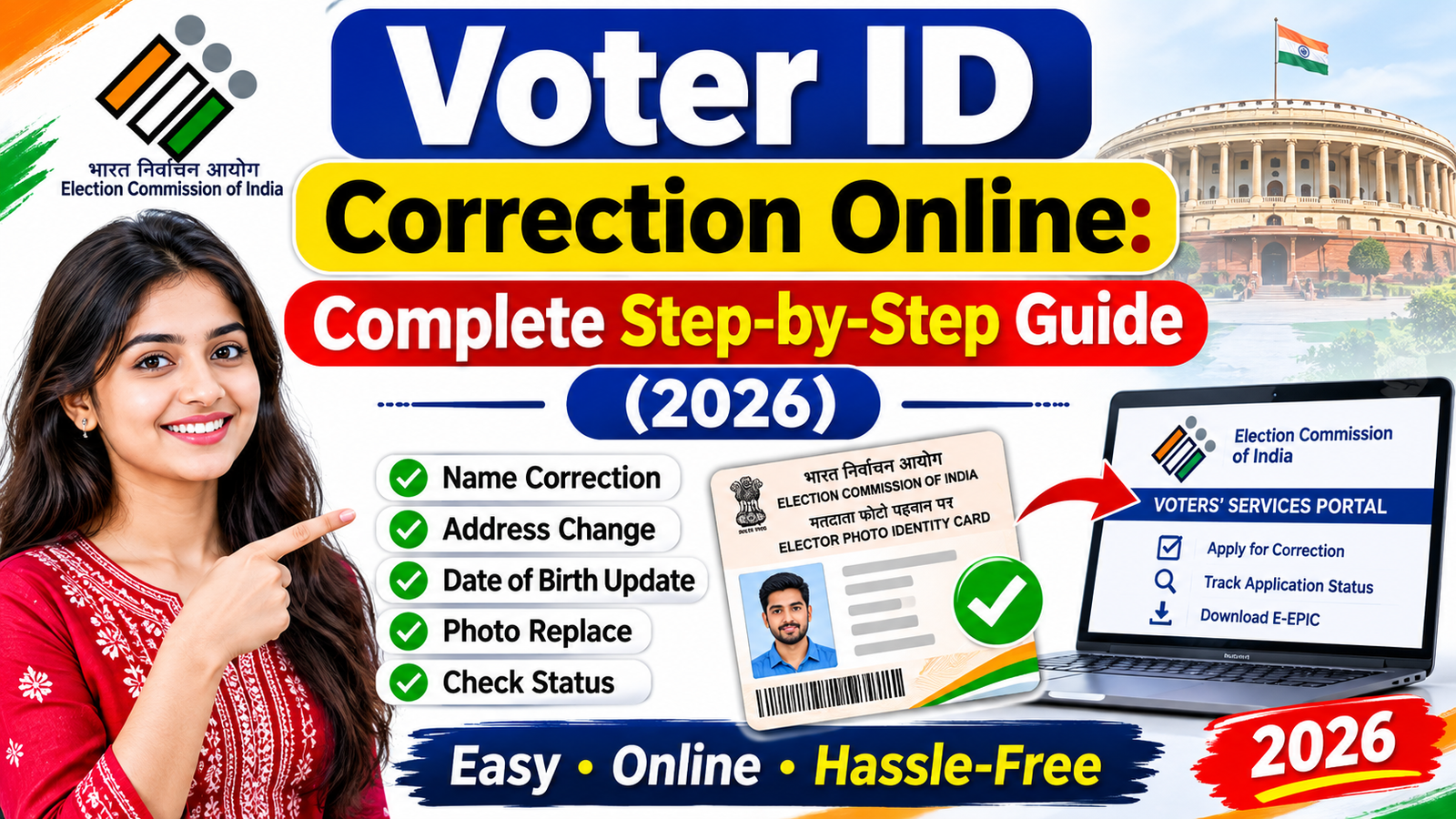
A Voter ID card is one of the most important identity documents for Indian citizens. It lets eligible citizens vote and serves as proof of identity and address for various purposes. However, sometimes a Voter ID card may contain incorrect information, such as a spelling mistake in the name, an incorrect date of birth, an outdated address, or an old photograph.
The good news is that Indian citizens can request Voter ID corrections online without visiting an election office for the initial application process. The Election Commission of India (ECI) provides an online facility through its official Voters’ Services Portal.
In this guide, you will learn how to apply for an Indian Voter ID Correction Online, what details you can update, what documents you need, how to submit Form 8, and how to check your application status.
Whether you want to correct your name, update your address, change your date of birth, or replace your photograph, this step-by-step guide will help you understand the process.
What Is Voter ID Correction?
Voter ID correction is the process of updating or correcting inaccurate information printed on your Elector Photo Identity Card (EPIC).
The Election Commission of India allows eligible voters to submit correction requests when their voter registration details contain errors or need updating.
For example:
- Your name is spelled incorrectly on your Voter ID card.
- Your date of birth or age is incorrect.
- Your father’s or mother’s name is incorrect.
- Your residential address has changed.
- Your photograph needs to be updated.
- Your gender or other personal details are incorrect.
You can generally request these changes through Form 8, which is the official application form for correction of entries in the electoral roll, shifting of residence, replacement of an EPIC, and marking of a person with a disability.
Benefits of Correcting Your Voter ID Card Online
Keeping your Voter ID information accurate is important for several reasons.
1. Correct Personal Information: Updating incorrect information ensures that your voter registration details match your valid supporting documents.
2. Easier Identity Verification: Accurate details can help avoid problems when using your Voter ID as an identity document.
3. Updated Residential Address: If you move to another address, you can request the necessary changes to your electoral registration.
4. Updated Photograph: You can request a photograph update if your existing voter card photo is outdated or unclear.
5. Convenient Online Application: The online system allows you to submit a correction request without making an initial visit to an election office.
Who Can Apply for Voter ID Correction?
You can apply for Voter ID correction if:
- You are an Indian citizen.
- You are already registered as a voter in an electoral constituency.
- Your existing electoral roll details contain incorrect information.
- You have changed your residential address and need to update your voter registration.
- You need a replacement EPIC card because your existing card is damaged or contains outdated information.
If you are applying for voter registration for the first time, you should use Form 6, not Form 8.
Which Details Can Be Corrected in Voter ID?
The Election Commission of India provides several correction options through Form 8.
| Details | Available service |
| Name | Name correction |
| Gender | Gender correction |
| Date of Birth/Age | Age or DOB correction |
| Father’s/Mother’s/Spouse’s name | Relation name correction |
| Address | Address correction or shifting |
| Mobile number | Mobile number correction |
| Photograph | Photo replacement |
According to the official Form 8 document, applicants can request correction of a maximum of four particulars in an existing electoral roll through one correction application.
Voters+1
Documents Required for Voter ID Correction Online
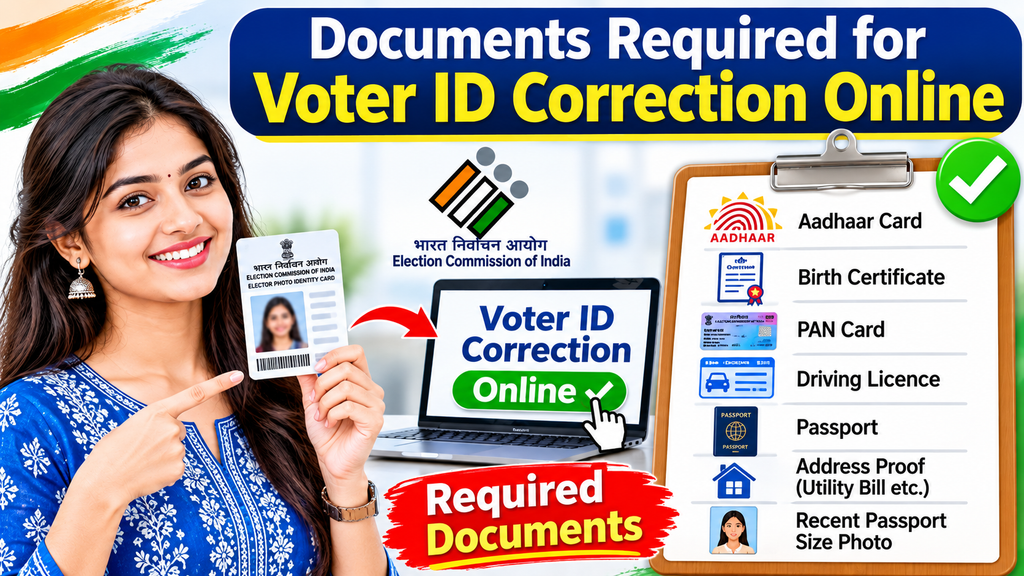
Before applying, prepare the necessary documents. You may need to upload supporting documents to verify the information you want to correct.
The required documents depend on the type of correction.
Commonly useful supporting documents include:
- Aadhaar Card
- Birth Certificate
- PAN Card
- Passport
- Driving Licence
- Educational Certificate
- Government-issued identity document
- Address proof, where applicable
- Recent passport-size photograph for photo correction
Important: Not every document is accepted for every type of correction. Choose a document that supports your specific claim and follow the document requirements displayed on the official ECI portal. The Form 8 guidelines require supporting documentary proof for corrections.
Voters+1
Indian Voter ID Correction Online: Step-by-Step Process
Follow these steps to correct your Voter ID details online.
Step 1: Visit the Official Voters’ Services Portal
First, open the official Election Commission of India’s Voters’ Services Portal.
Official website: voters.eci.gov.in
This portal provides online services for voter registration, correction of electoral roll details, address shifting, replacement EPIC, and application tracking.
Always check that you are using the official government website before entering personal information.
Step 2: Register or Log In to Your Account
After opening the website:
- Click the Login or Sign-Up option.
- Enter your registered mobile number.
- Complete the verification process using the OTP.
- Enter the requested information.
- Log in to your account.
If you already have an account, you can use your existing login details.
Step 3: Select Form 8
After logging in, find the Forms section or the relevant voter service option.
Select Form 8 – Shifting of Residence / Correction of Entries / Replacement of EPIC / Marking of PwD.
This is the official form used by existing registered voters to request corrections or updates.
You can also access the forms page directly:
Open the official ECI Forms Dashboard.
Step 4: Enter Your Voter ID Details
Now provide the information requested in Form 8.
You may need to enter:
- Your full name
- EPIC number (Voter ID number)
- State and constituency details
- Mobile number
- Other required personal information
Check your existing voter registration details carefully before continuing.
Make sure that your EPIC number is correct so that your application can be associated with the appropriate voter record.
Step 5: Choose the Correction Option
Select the appropriate service based on your requirement.
For example:
- Select correction of particulars if your name is incorrect.
- Select correction of particulars if your date of birth is incorrect.
- Select correction of particulars if your gender is incorrect.
- Select shifting of residence if you have moved to another address.
- Select replacement EPIC if you need a replacement card.
If you want to update personal information, choose the correction option and select the relevant details that need to be changed.
Step 6: Enter the Correct Information
Enter the updated information in the appropriate fields.
For example, if your name is incorrect, provide the correct spelling according to your supporting document.
Similarly, if your date of birth is incorrect, enter the correct date and ensure that your supporting document verifies it.
Before moving forward, review all the information to avoid additional mistakes.
Step 7: Upload Supporting Documents
Upload the necessary documents supporting your correction request.
For example:
- Name correction: A suitable document showing your correct name.
- Date of birth correction: An accepted document showing your correct date of birth.
- Address change: An accepted proof of your new residential address.
- Photograph correction: A recent passport-size colour photograph meeting the prescribed requirements.
For a photograph update, the Form 8 guidelines specify a recent, good-quality, unsigned colour passport-size photograph measuring 4.5 cm × 3.5 cm with a white background for the paper application. Follow the current online upload instructions for digital submissions.
Form-8 guidelines
Ensure that your uploaded documents are clear and readable.
Step 8: Submit Your Form 8 Application
After completing all the required fields and uploading your documents:
- Review your application.
- Check your personal details.
- Verify the uploaded documents.
- Read the declaration carefully.
- Click the Submit button.
Once submitted successfully, the portal should provide an application reference or acknowledgement number.
Keep this number safe because you will need it to track your application status.
Step 9: Check Your Voter ID Correction Status
After submitting your application, you can check its progress online.
Visit the official website:
Election Commission of India Voters’ Services Portal.
Follow these steps:
- Log in to your account.
- Open the Track Application Status option.
- Enter your reference or acknowledgement number if requested.
- Select the relevant state or application details.
- Submit the information.
- Check the latest application status.
The portal provides a facility to track submitted applications. Election Commission of India+1
Your application may show different stages depending on the verification process.
Step 10: Download Your Updated Voter ID Card
If your correction request is approved, check whether your updated EPIC or digital e-EPIC is available.
Visit the official portal and look for the E-EPIC Download option.
You may need to log in and provide your EPIC number or other requested information.
Once available, download your digital Voter ID and verify that the updated information is correct.
A replacement physical EPIC may also be issued following approval, according to the applicable process.
Election Commission of India+2
How to Correct Your Name in Voter ID Online
Name correction is one of the most common reasons people submit Form 8.
If your name is misspelled or incorrectly printed on your Voter ID card, follow these steps:
- Visit the official Voters’ Services Portal.
- Log in using your registered account.
- Select Form 8.
- Choose the correction of particulars option.
- Select Name.
- Enter your correct name.
- Upload an accepted supporting document.
- Submit the application.
- Save your reference number.
- Track the application until a decision is made.
Make sure your corrected name matches your supporting documents.
How to Change Your Address in Voter ID Online
If you have moved to a new residential address, you can request an update through Form 8.
The process is as follows:
- Open the ECI Voters’ Services Portal.
- Log in to your account.
- Select Form 8.
- Choose Shifting of Residence.
- Enter your new residential address.
- Provide the required constituency and location details.
- Upload acceptable address proof.
- Submit the application.
The request will be processed by the relevant Electoral Registration Officer (ERO). The Form 8 guidelines specify that an address-shifting application should be submitted to the ERO of the constituency where the applicant’s new address is located.
Form-8 guidelines
How Long Does Voter ID Correction Take?
The processing time for Voter ID correction depends on the application, document verification, and the workload of the concerned election officials.
After submitting Form 8, your application may be reviewed by the Electoral Registration Officer (ERO) or other authorised election officials.
If additional verification is required, you may be contacted by a Booth Level Officer (BLO).
There is no single guaranteed processing time for every correction request. Therefore, regularly check your application status through the official portal.
Is There Any Fee for Voter ID Correction Online?
You should use the official Election Commission of India portal for submitting your Form 8 application.
Avoid paying unofficial agents or individuals who promise guaranteed approval or instant correction. Be cautious of websites requesting unnecessary payments or sensitive banking information.
Common Reasons for Voter ID Correction Rejection
Sometimes, an application may not be approved. Here are some common reasons:
- Incorrect information entered in Form 8.
- Supporting documents are missing.
- Uploaded documents are unclear or unreadable.
- The submitted documents do not support the requested correction.
- Incorrect EPIC number or voter registration details.
- Incomplete application information.
- Verification issues with the submitted details.
How to avoid rejection: Always provide accurate information, upload clear supporting documents, and carefully review your application before submitting it.
Important Tips for a Successful Voter ID Correction
Keep these points in mind before applying:
- Use the official ECI website.
- Keep your EPIC number ready.
- Enter your personal details correctly.
- Upload valid and readable supporting documents.
- Keep your application reference number safe.
- Check your application status regularly.
- Do not submit multiple applications for the same correction unnecessarily.
- Never share your OTP, password, or banking details with unknown individuals.
If you face difficulties, you can contact the Election Commission of India through its voter helpline number 1950.
Voters
Frequently Asked Questions (FAQs)
How can I correct my Voter ID card online in India?
You can correct your Voter ID online through the official Election Commission of India Voters’ Services Portal. Log in, select Form 8, choose the correction option, enter the correct information, upload supporting documents, and submit your application.
Which form is required for Voter ID correction?
Form 8 is the official form used for correcting details in an existing electoral roll, shifting residence, requesting a replacement EPIC, and marking a person with a disability.
Can I correct my name in Voter ID online?
Yes. You can request name correction through Form 8 by selecting the correction of particulars option and uploading suitable supporting documents.
Can I change my date of birth in Voter ID?
Yes. You can request a date of birth or age correction through Form 8. You should provide an accepted document supporting your correct date of birth.
How can I change my address on my Voter ID card?
Log in to the ECI Voters’ Services Portal, select Form 8, choose the shifting of residence option, enter your new address, upload acceptable address proof, and submit your application.
How can I check my Voter ID correction status?
Visit voters.eci.gov.in, open Track Application Status, and enter your application reference number and other requested details to check the progress.
Can I correct multiple details in one application?
Yes. The official Form 8 allows correction of a maximum of four particulars in one correction application. You must select the relevant particulars and provide supporting documents.
Can I apply for Voter ID correction without visiting an election office?
Yes. You can submit your Form 8 application online through the official ECI portal. However, election officials may require additional verification depending on your application.
What should I do if my Voter ID correction application is rejected?
Check the reason for rejection through the portal or contact the concerned Electoral Registration Officer. Correct any errors, prepare the necessary supporting documents, and follow the official instructions for submitting a fresh application or appeal, as applicable.
What is the official website for Indian Voter ID correction?
The official Election Commission of India Voters’ Services Portal is:
You can use this website for Form 8 applications, voter registration services, application tracking, and other voter-related services.
Conclusion
Indian Voter ID Correction Online is a convenient way to update incorrect personal information in your electoral registration. Whether you need to correct your name, date of birth, gender, address, mobile number, or photograph, the Election Commission of India provides an online application facility through Form 8.
To complete the process successfully, visit the official Voters’ Services Portal, log in to your account, fill out Form 8, upload the necessary supporting documents, and submit your application. Remember to save your acknowledgement number so you can track the application status.
Most importantly, always use the official Election Commission of India website to protect your personal information and avoid fraudulent websites.
Official Website: Election Commission of India – Voters’ Services Portal.
- Voter ID correction online
- Voter ID correction Form 8
- Voter ID name correction
- Voter ID address change online
- Voter ID date of birth correction
- Voter ID correction status check
- Election Commission of India voter ID update
Official References:
- Election Commission of India – Voter Services
- Download Official Form 8 PDF
- Form 8 Application Guidelines
Read More ……
- Beautiful Ramadan Mubarak Mehndi Designs
- Beautiful Circle Mehndi Designs
- Mehndi Design Photo
- Bad Boy Bio for Instagram
- Bio For Instagram

From stylish Front- and back-hand mehndi designs to simple, modern palm mehndi patterns, this space celebrates creativity.